
Bring order to your classroom
Schedules, attendance, messaging in one place. Escape the triple-management of paper, spreadsheets, and group chats.
Learn moreScheduling, attendance, and parent communication—together in one app. Built for tutors, tuition centres, and after-school programs.
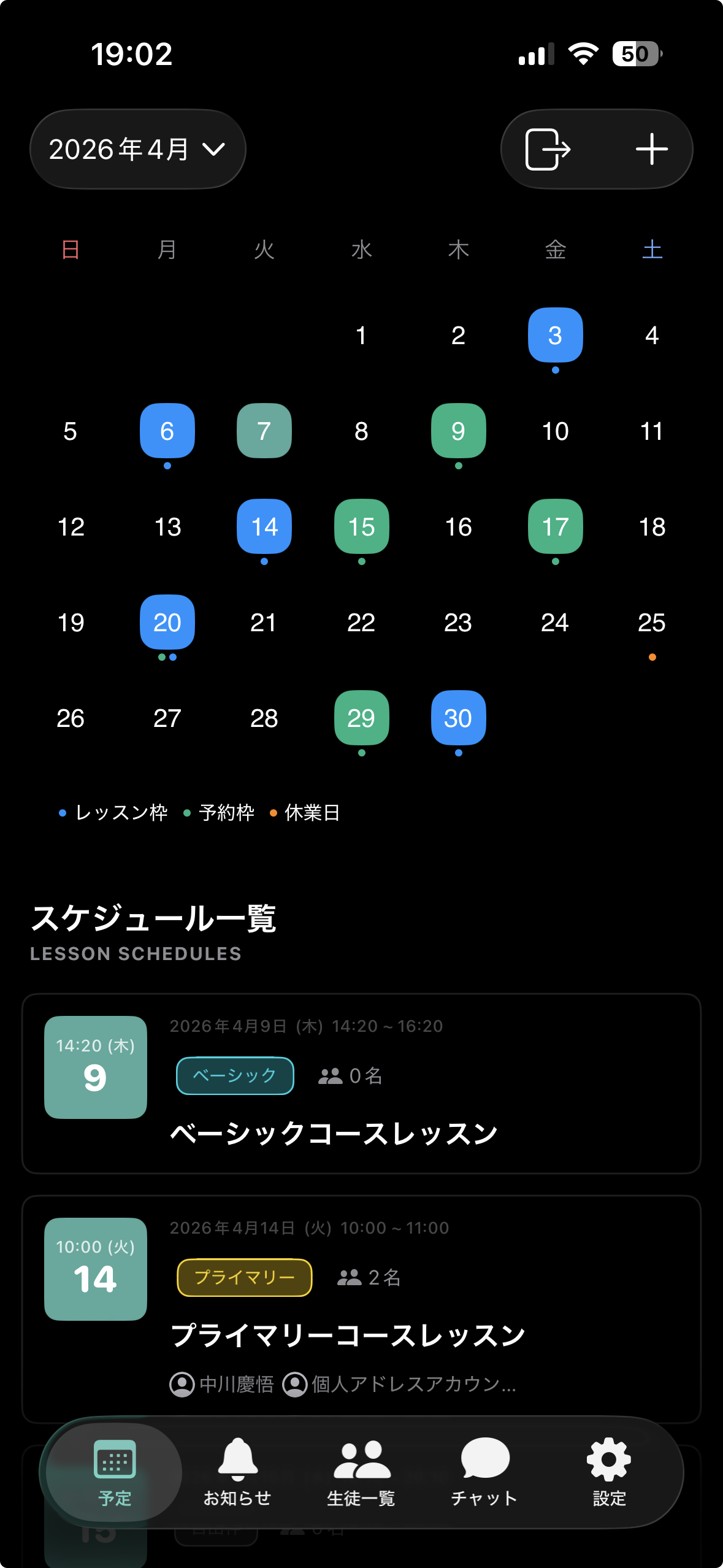
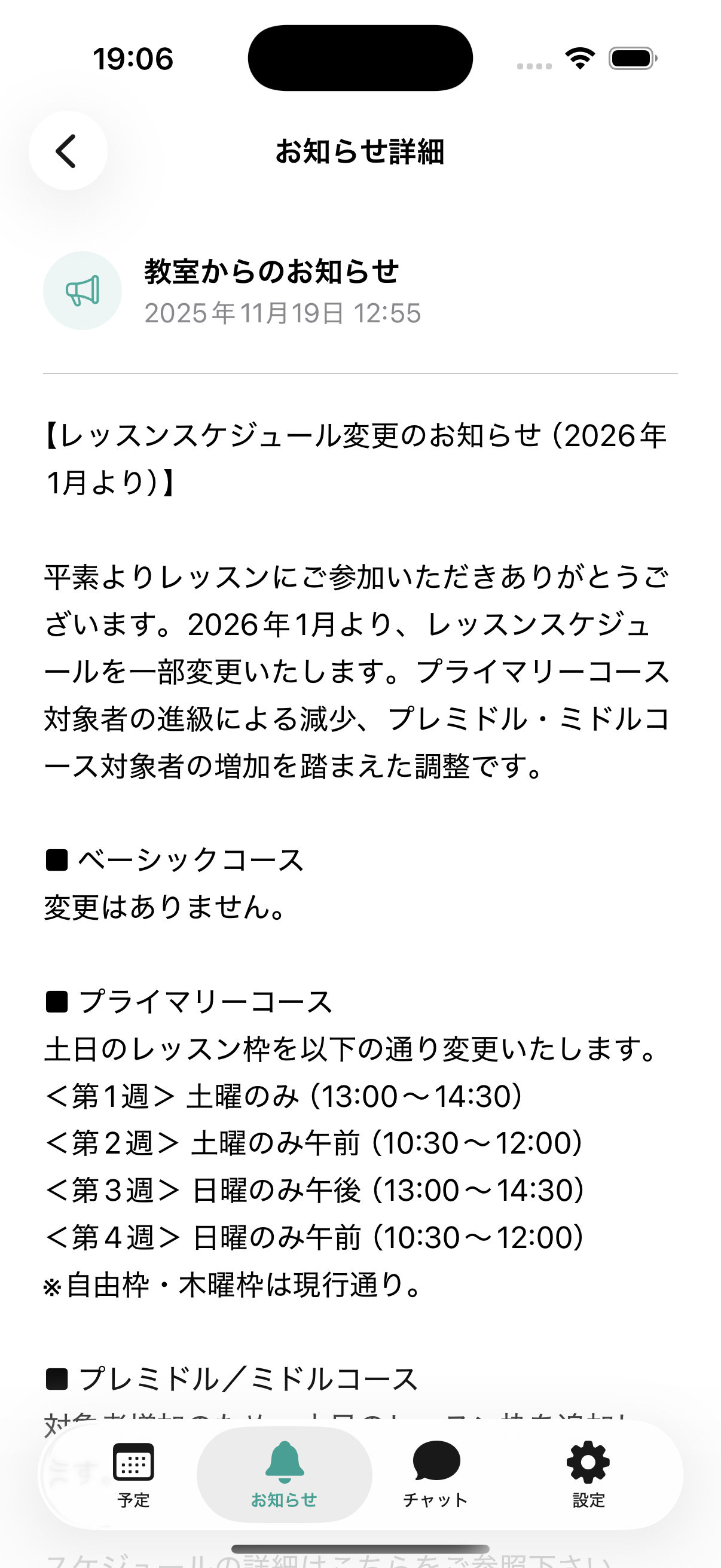
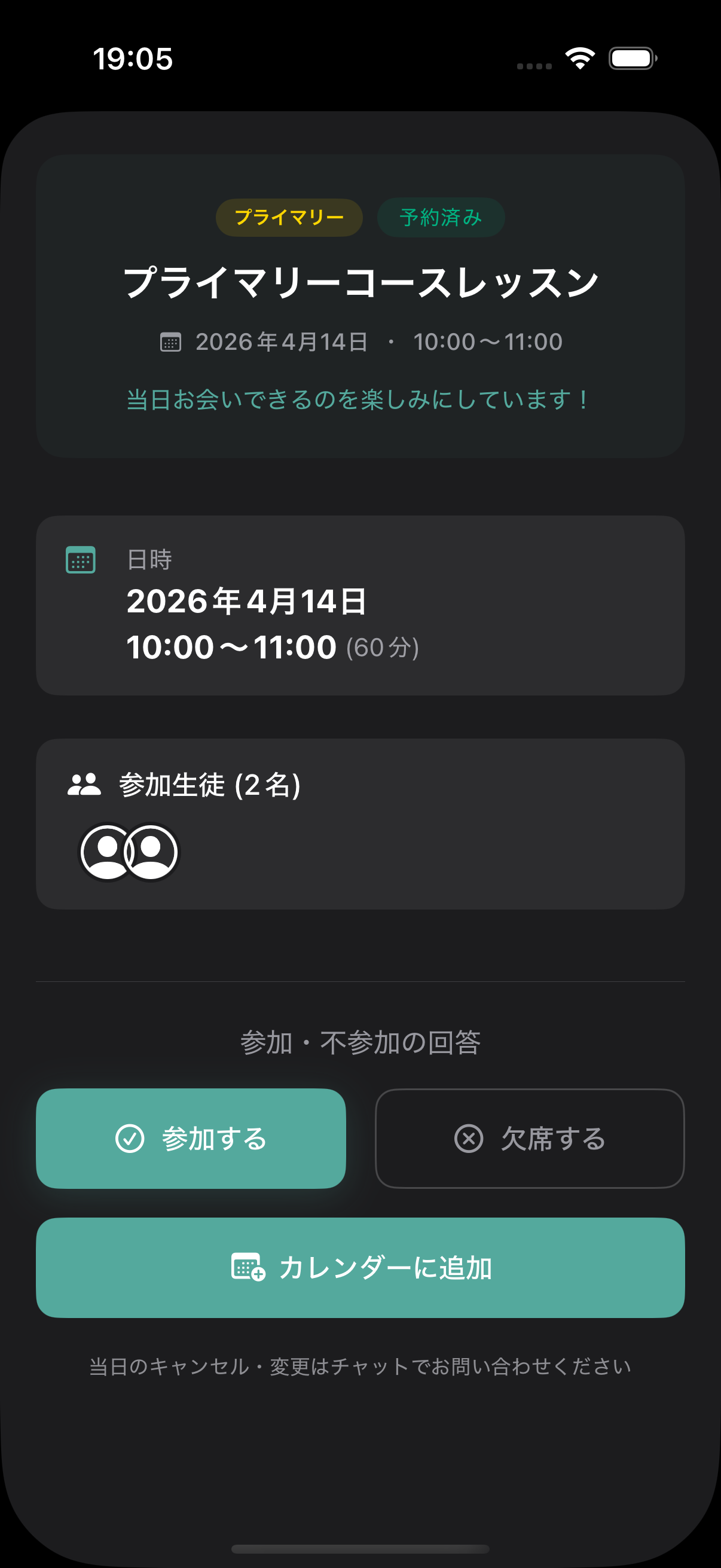
Schedules, attendance, messaging in one place. Escape the triple-management of paper, spreadsheets, and group chats.
Learn moreToday's schedule and chats, all in one app. From cram school to English class, at your own pace.
Learn moreNotices, absence reports, tuition checks. Family communication, all in one place.
Learn moreEverything you need for daily lesson operations, in one app.
On the web, switch between month, week, and day views. The mobile apps (iOS / Android) show a monthly view so you can check schedules on the go.
Create lessons with simple inputs. Save templates and build a whole month of lessons at once.
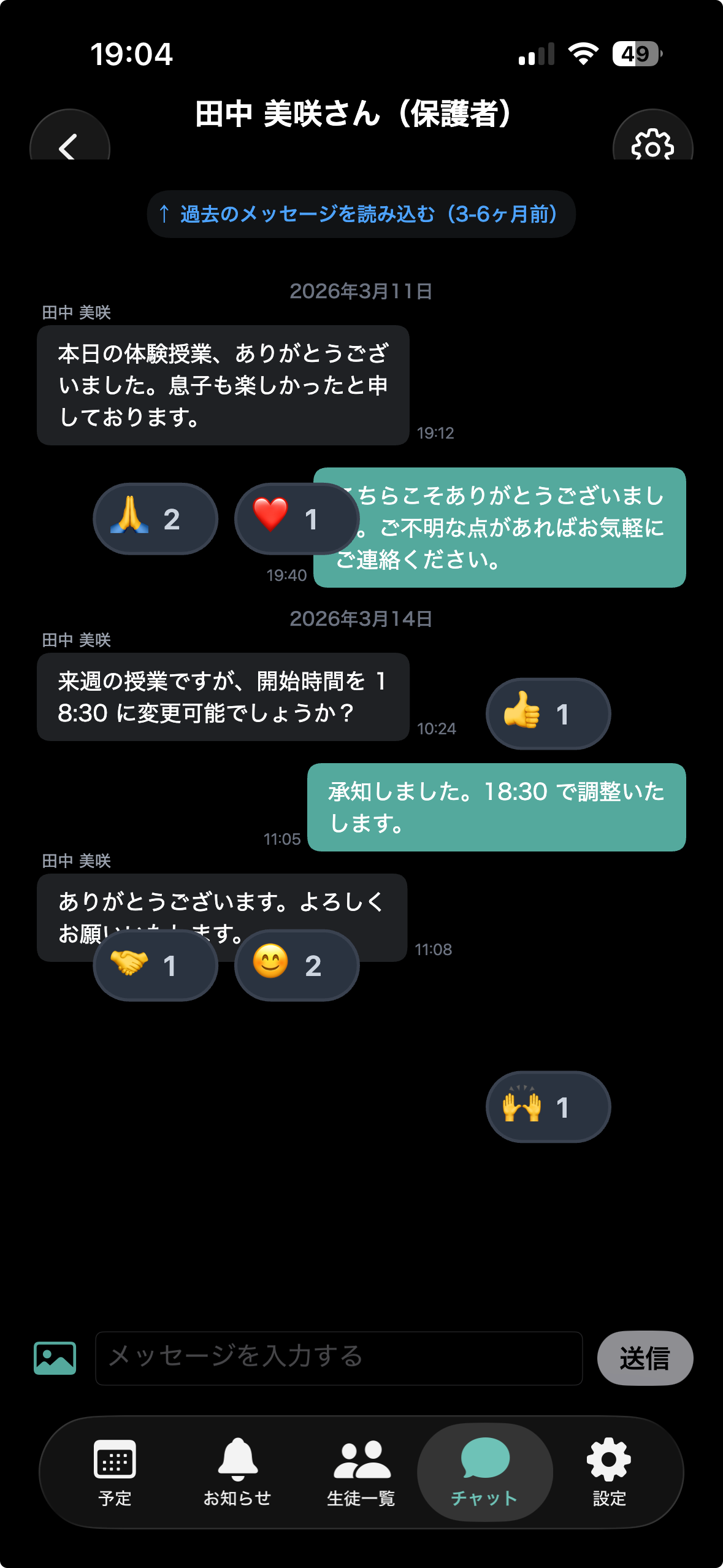
Bring scattered WhatsApp and group-chat conversations into the classroom account. See read receipts at a glance, and emoji reactions add a casual touch.
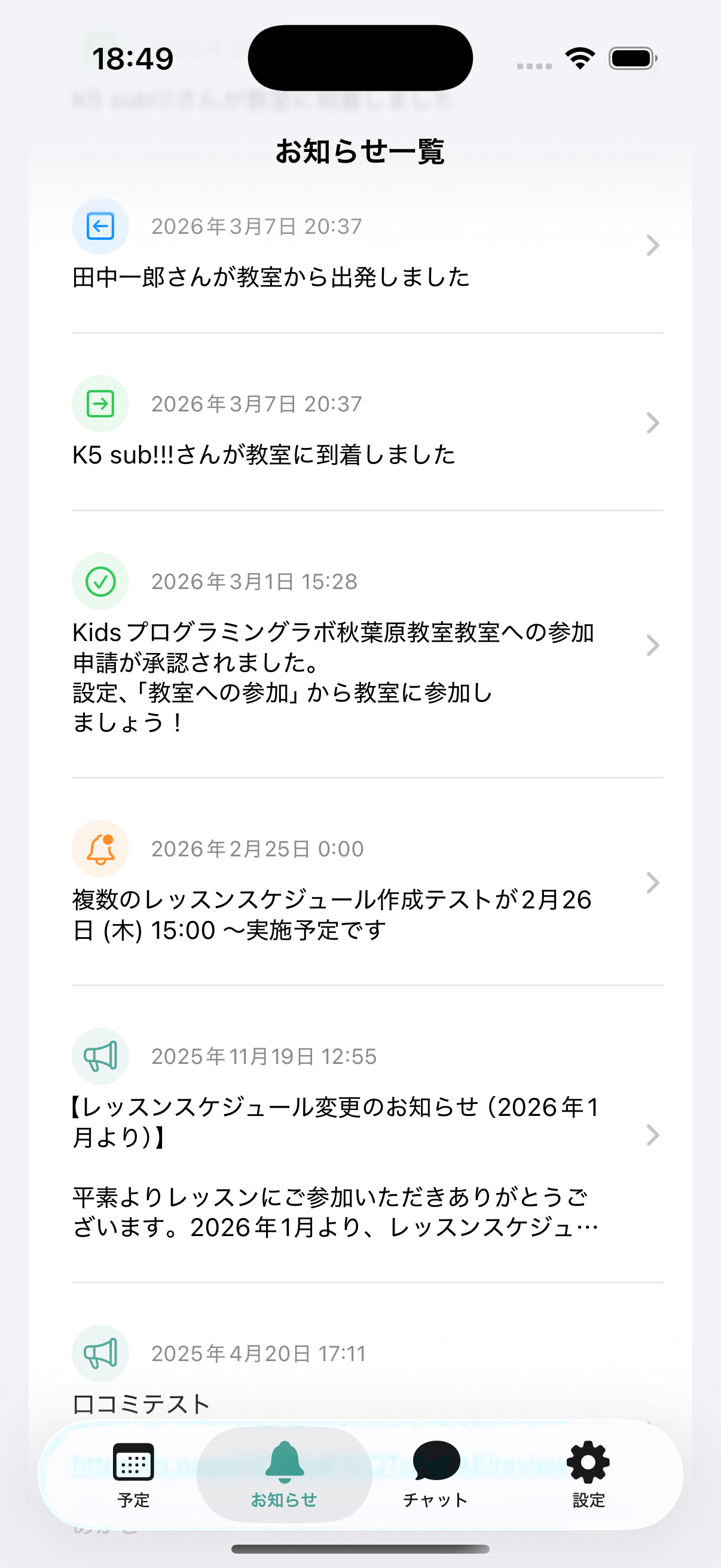
Broadcasts, pre-lesson reminders, urgent notices. Reach the right people at the right moment. Look back through past notifications anytime.
Individual and group lessons—mix freely with course-based management.
Attendance and parent updates for co-op organizers, all in one app.
Check-in alerts and a schedule parents can see for themselves.
Simple booking and rescheduling for one-on-one lessons.
Free plan starts instantly (no credit card). All paid plans include a 1-month free trial—evaluate every feature with zero risk.
← Scroll sideways to compare all plans →
|
Free
$0/mo
|
Start here!
Basic
$19.80/mo
|
Recommended
Premium
$65/mo
|
Unlimited
$132/mo
|
|
|---|---|---|---|---|
| Students | 10 | 30 | 100 | Unlimited |
| Chat messages | 100/mo | 1,000/mo | 10,000/mo | Unlimited |
| Ad-free | — | ✓ | ✓ | ✓ |
| Free trial | — | 1 month | 1 month | 1 month |
| Scheduling | ✓ | ✓ | ✓ | ✓ |
| Attendance & check-in alerts | ✓ | ✓ | ✓ | ✓ |
| Announcements | ✓ | ✓ | ✓ | ✓ |
| iOS / Android / Web | ✓ | ✓ | ✓ | ✓ |
| Setup fee | $0 | $0 | $0 | $0 |
| Start free | Try 1 month free | Try 1 month free | Try 1 month free |
* Basic / Premium / Unlimited plans all include a 1-month free trial. Cancel anytime during the trial—no charges apply.
* Each plan is billed per classroom. If you operate multiple classrooms, a separate subscription is required for each.
* Billing controls are shown only to classroom administrators.
* Prices shown in USD are approximate; billing is processed in Japanese yen (¥0 / ¥2,980 / ¥9,800 / ¥19,800) at the current exchange rate.
Common questions before adoption. For anything else, please get in touch.
No setup fees. No credit card required.