Teachers score each item, and the results are summarized by month and by half-year. Students and guardians see only their own (or their child's) records.
01
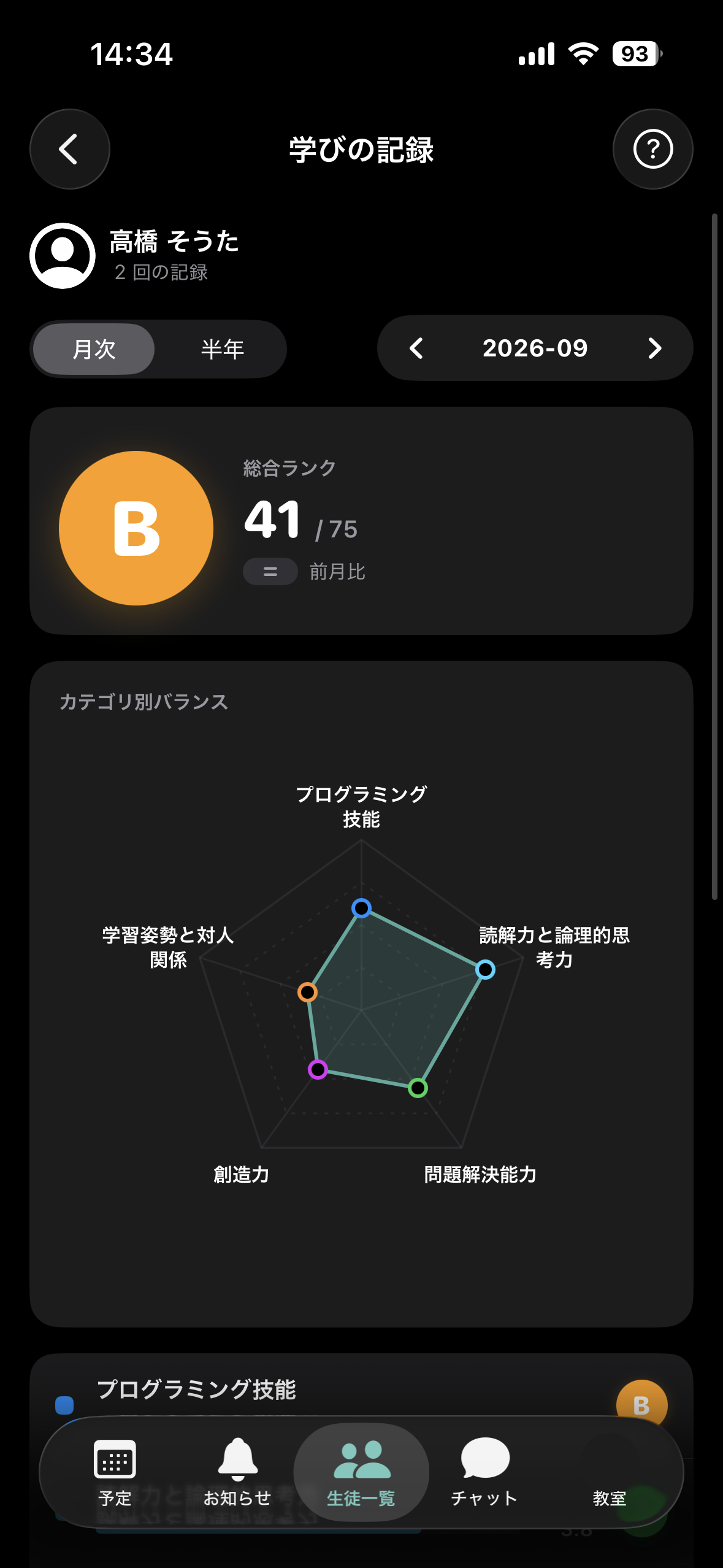
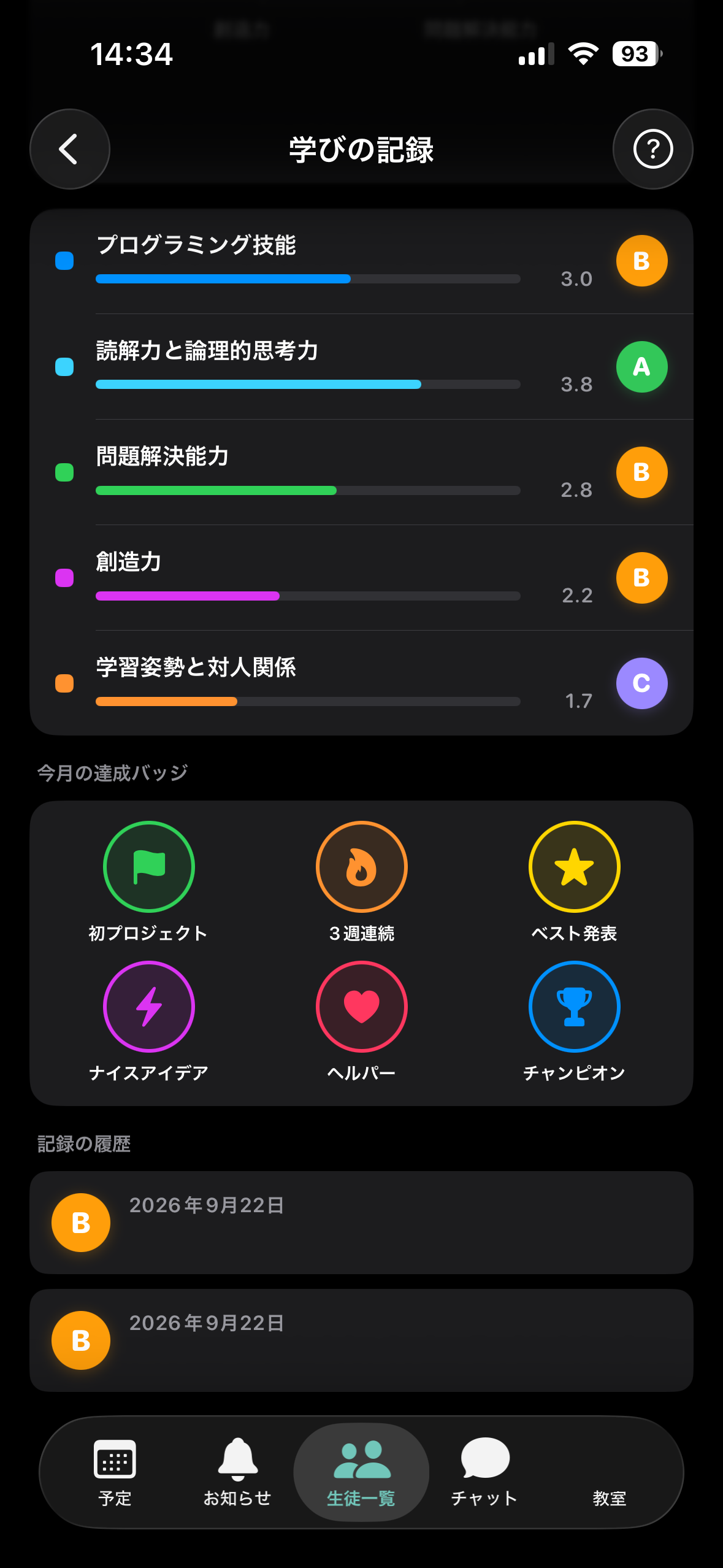
Learning Record lets you track each student's growth over time using the items your classroom defines. Teachers add the records, and you can review them by month or by half-year. Students and guardians can see only their own (or their child's) records.
02
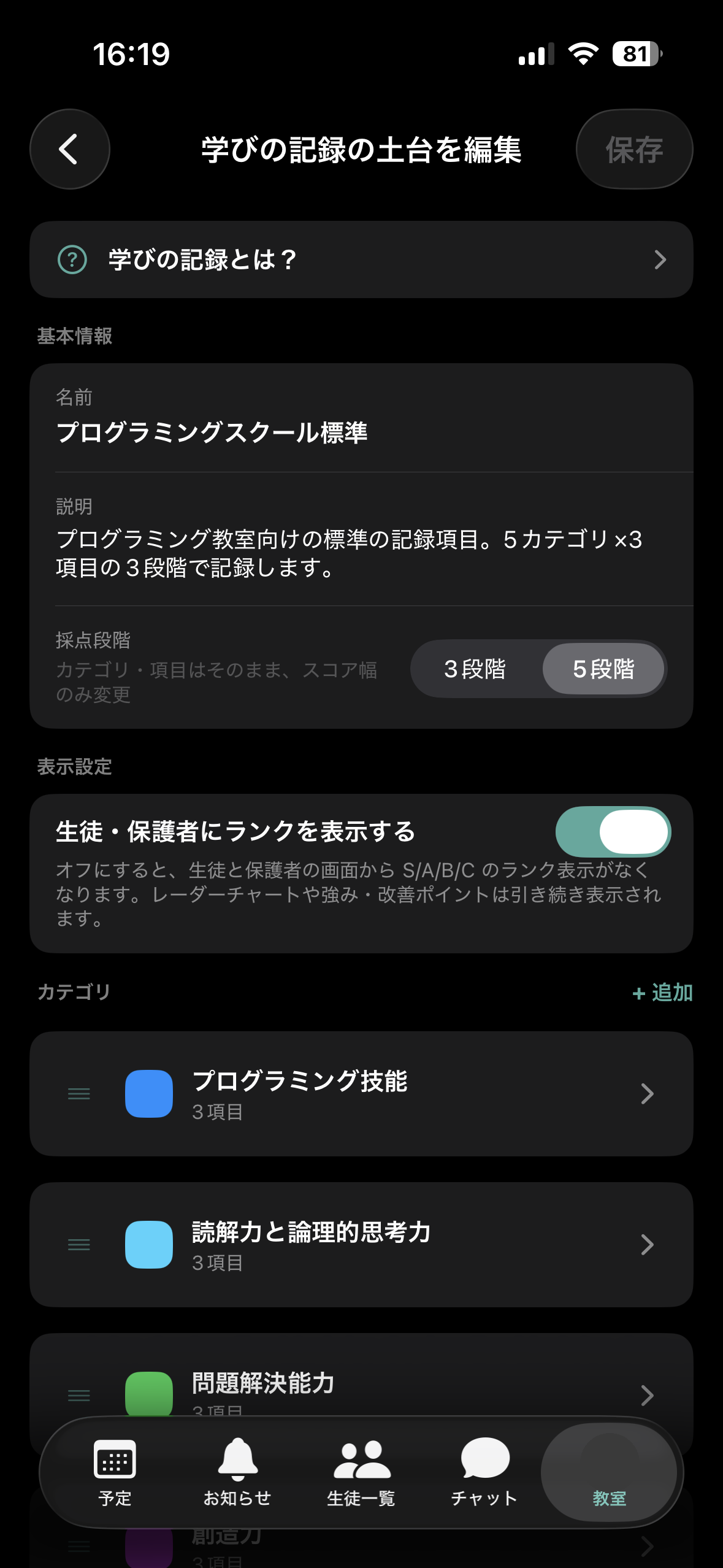
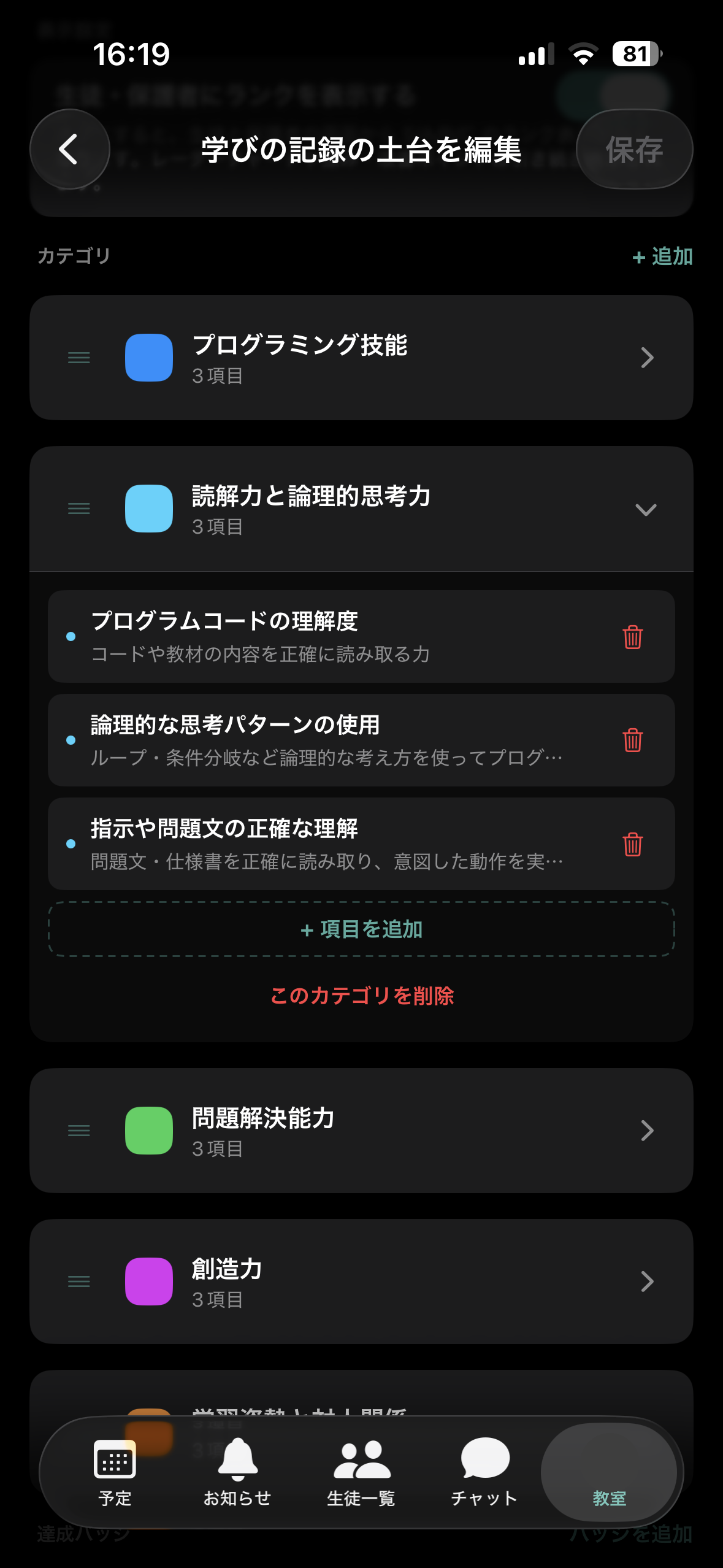
Decide which categories and items your classroom records. A standard set of record items for your classroom type is included from the start, so you can save it as is or rebuild it.
 1
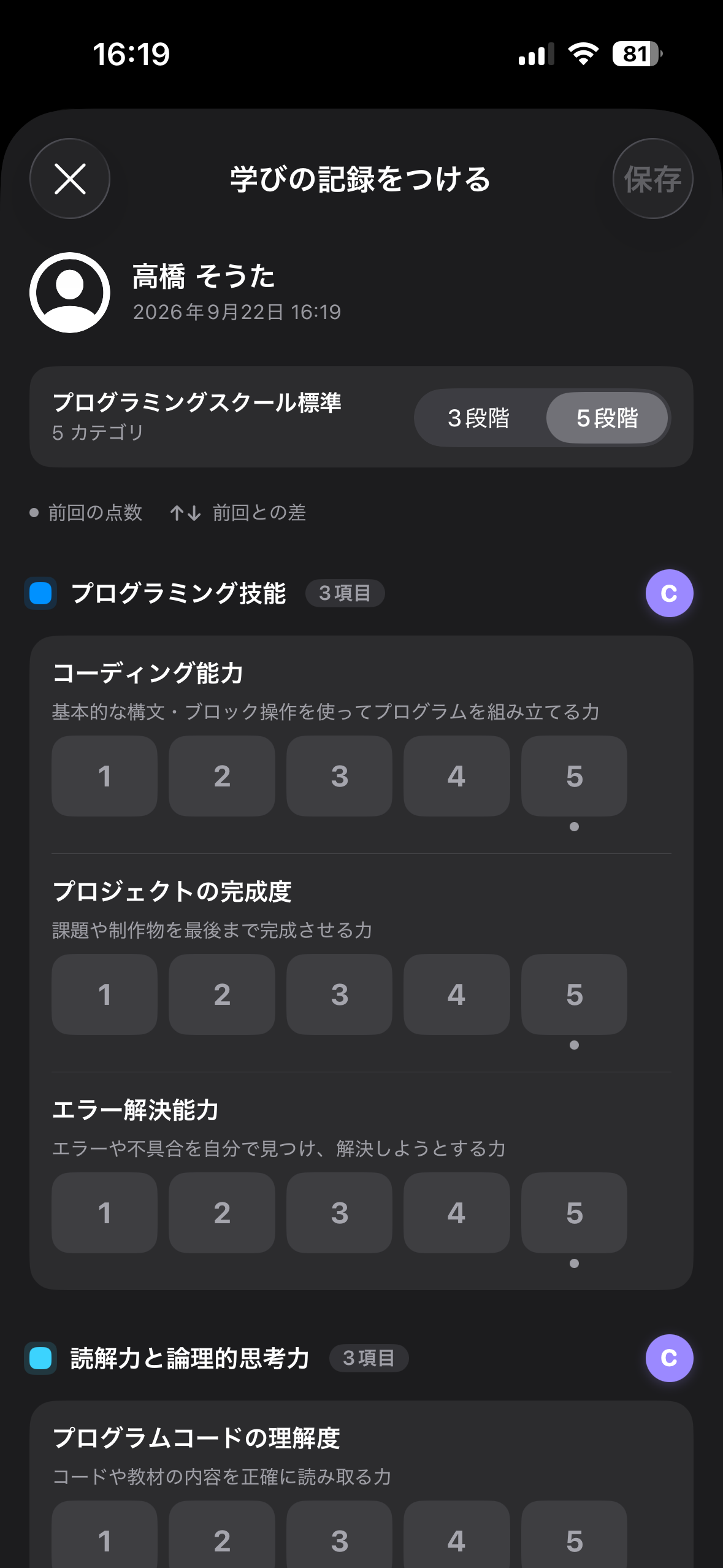
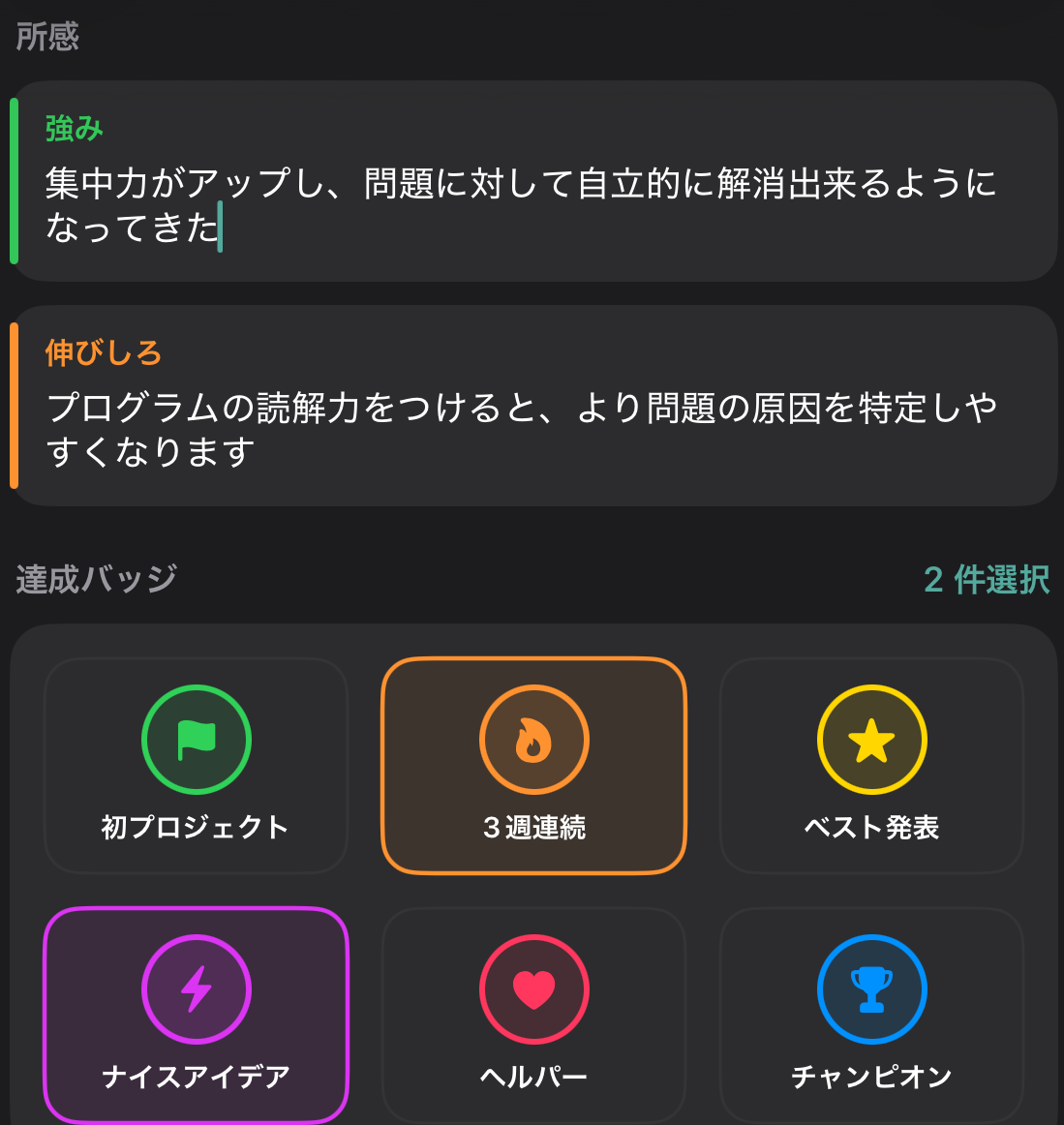
1Open a student, score each item and save. You can also write strengths and areas to improve, and award achievement badges.
 2
203
 12
12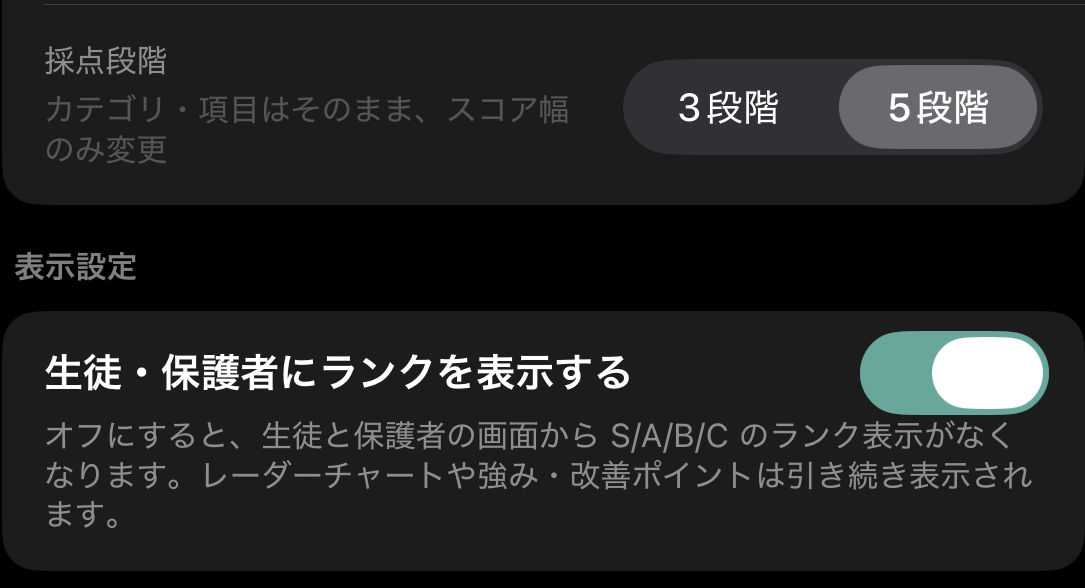 36
36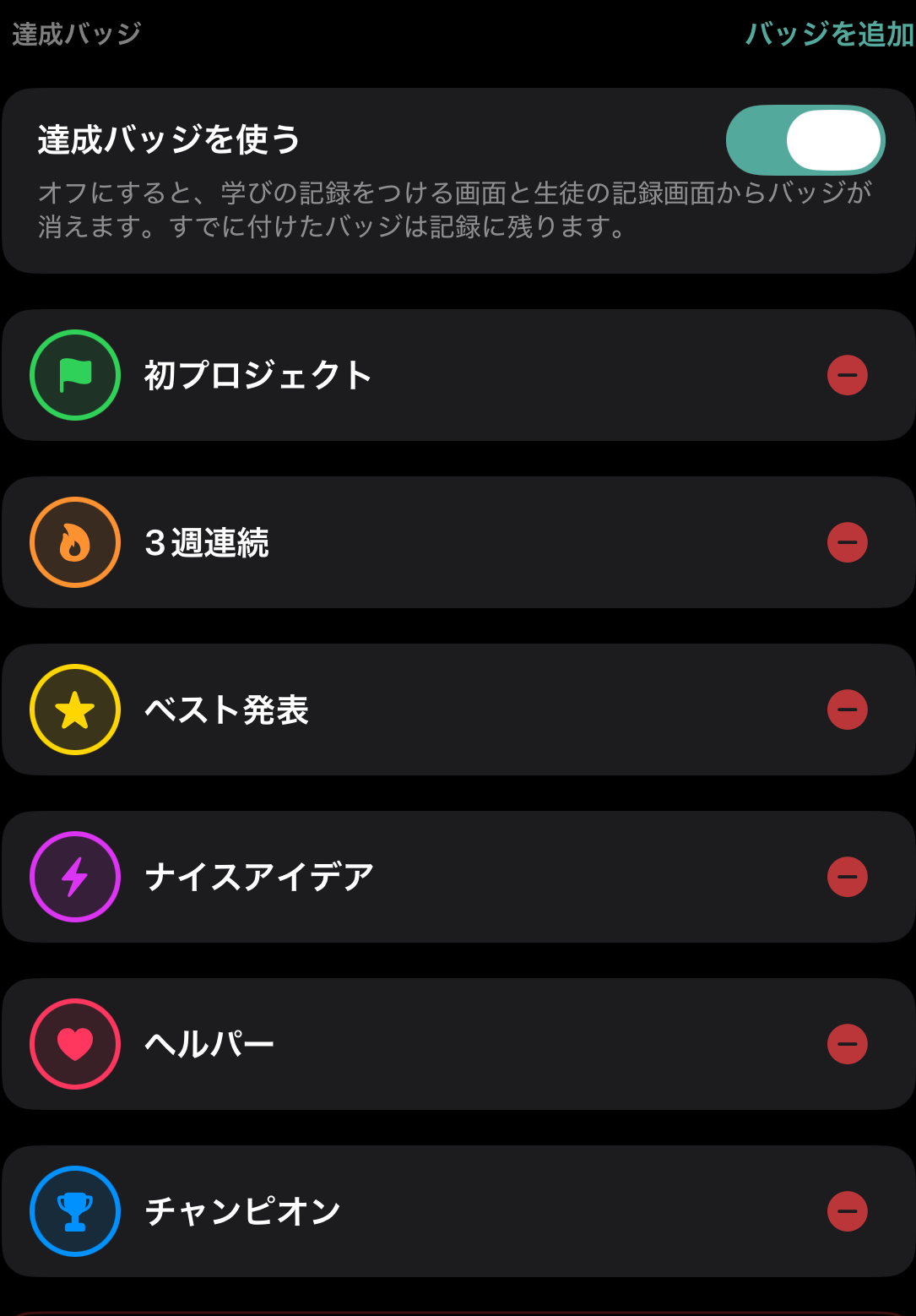 55
55Build categories (e.g. Programming Skills) and the items inside them (e.g. Coding Ability) to match your classroom.
Set each category's color and order, and add a scoring guide (description) to each item.
Pick how many steps the score scale has: 3 or 5.
A standard set of record items for your classroom type (programming school / tutoring or cram school / general) is included from the start. Use it as is, or delete it and build your own.
Set each badge's name, icon, color and order. You can also turn achievement badges off.
Choose whether students and guardians can see the S / A / B / C rank.
04
 !
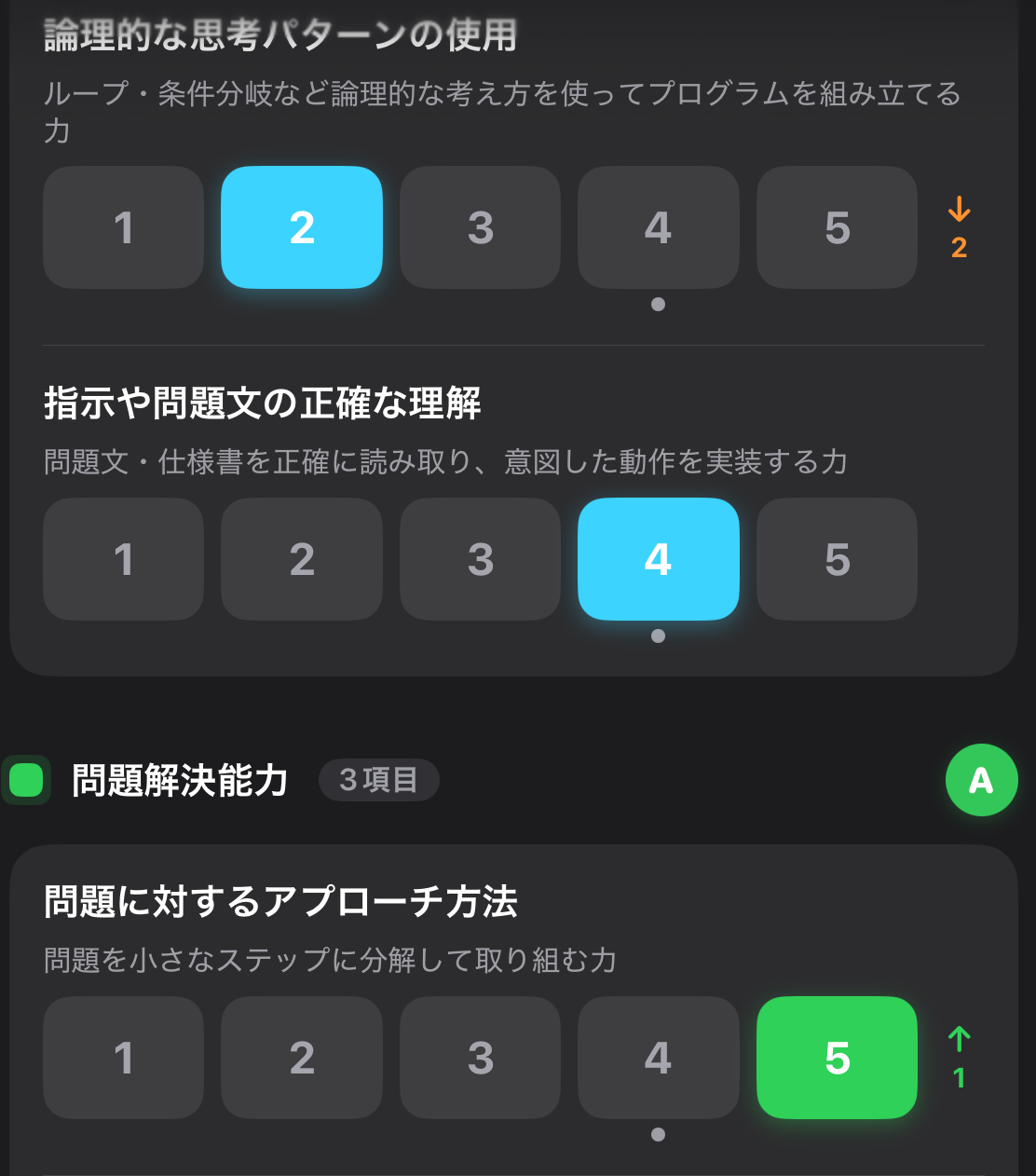
!From the second record onward, the score you gave last time is shown as a dot under the number. If you pick a different score this time, an ↑ or ↓ with the difference appears on the right.
 A
B
B
A
B
B

 1
2
3
1
2
3
05
06
1
2
3
 4
5
6
4
5
6
07
| Administrator | Teacher | Student | Guardian | |
|---|---|---|---|---|
| Create / edit the setup | ○ | × | × | × |
| Add records | ○ | ○ | × | × |
| Edit / delete records | ○all | ○own only | × | × |
| View records | ○all students | ○all students | ○own only | ○their child only |
08