
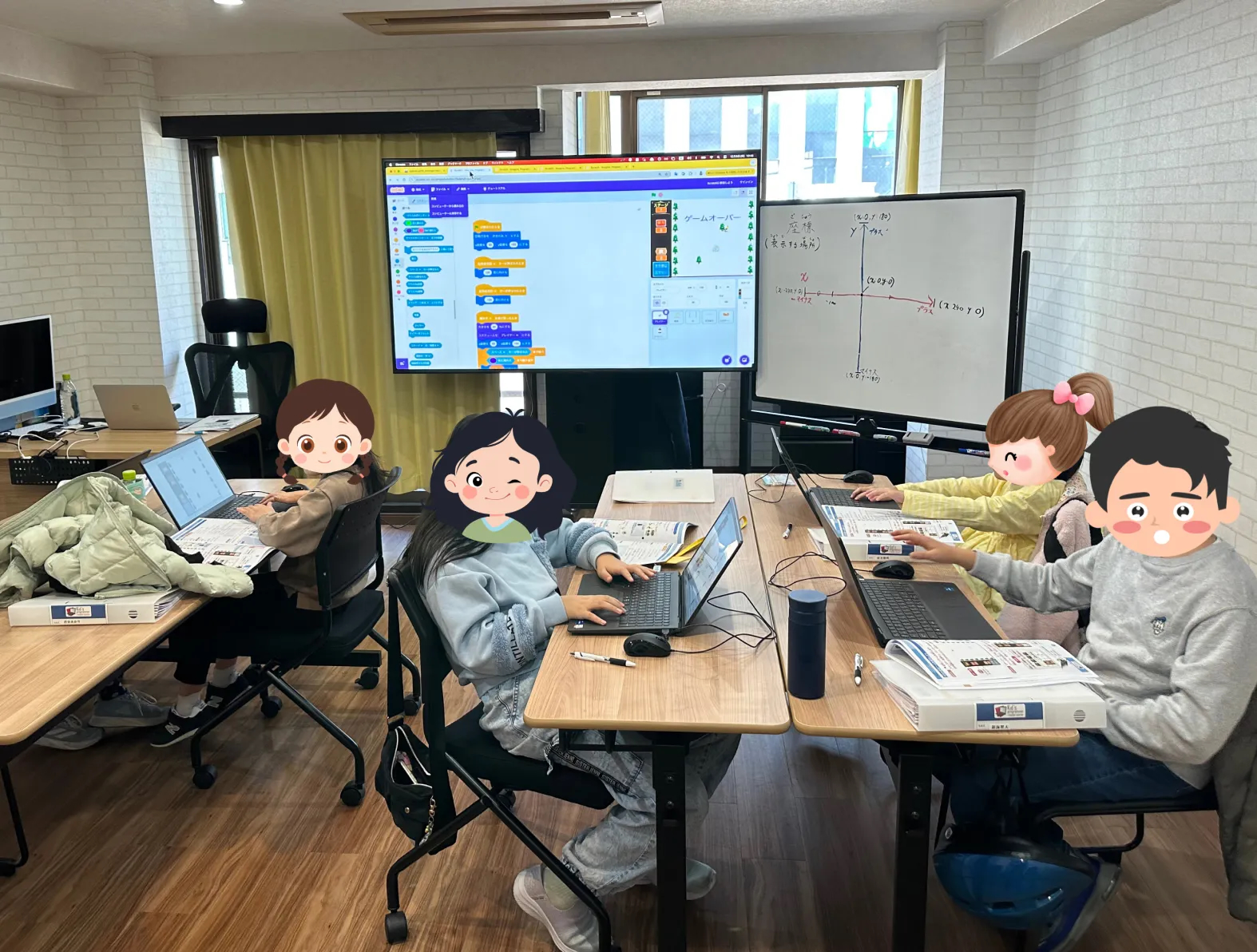
 A session in progress at Kids Programming Lab Akihabara, Tokyo
"We were taking makeup class requests by email, but tracking whether each one had actually been completed was a separate spreadsheet, and the two were almost never in sync." If that sounds familiar, this case study is for you.
Kids Programming Lab Akihabara is an after-school coding program based in the Asakusabashi area of Tokyo, Japan — a busy, urban neighbourhood roughly equivalent in feel to a mid-sized US city's arts or maker district. The school runs classes for students aged 6 through 18, with three instructors covering weekday evenings and weekend slots. It's a compact, high-touch operation — exactly the kind of tutoring business that tools like Google Sheets and email cannot scale gracefully.
This article documents what the school looked like before E-Space, why they switched, and what the measurable results were.
School Profile
| School | Kids Programming Lab Akihabara |
|---|---|
| Location | Asakusabashi, Tokyo, Japan |
| Founded | June 2022 |
| Student headcount | 20 students (as of April 2026) |
| Instructors | 3 |
| Courses offered | Primary/Basic (Scratch), Pre-Middle (Python), Middle (HTML/CSS/JavaScript) |
| Age range | Year 1 (age 6) through Year 12 (age 18) |
| Session length | 90 minutes |
| Teaching days | Thursday, Saturday, Sunday |
A quick note on context for US and UK readers: after-school tutoring programs in Japan operate very similarly to their Western counterparts — small enrollment, recurring tuition fees, makeup class policies, parent communication as a core operational challenge. The scheduling and admin pressures described here are identical to what independent tutors and co-op operators face in the US and UK.
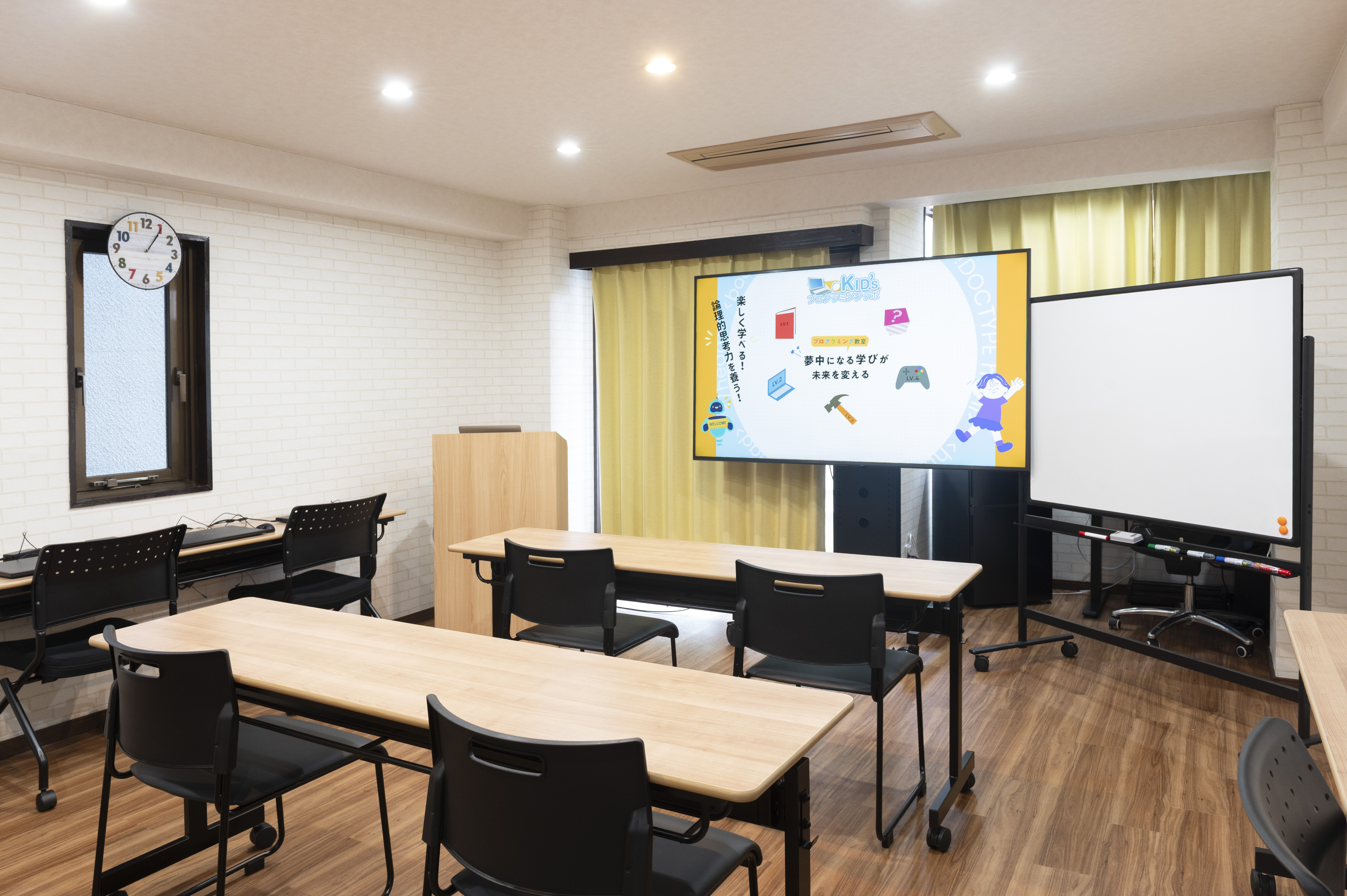 Kids Programming Lab Akihabara — exterior view
Before E-Space: Information Scattered Across Three Tools
Before switching, the school was running on a combination of tools that many small tutoring businesses will recognise:
- Google Calendar — instructor shifts and session dates
- Google Sheets — student roster and attendance log
- Email, WhatsApp groups, and individual message threads — parent communication, absence reports, and makeup class requests
- A separate check-in system — arrival/departure logging
Each tool worked in isolation. The problem was everything in between — every time information needed to move from one tool to another, it had to be moved manually.
The specific pain points
- Schedule coordination took 2–3 hours per week. The school director manually cross-referenced instructor availability with student makeup class requests every week, then updated the calendar and notified everyone individually.
- Absence reports arrived through three different channels. Parents emailed, texted, or mentioned absences in person at pickup. The instructors had no shared view of who was in or out on any given day until the session started.
- Parent communication was siloed in individual inboxes. Makeup class agreements and scheduling decisions lived in private email threads. If the primary contact was unavailable, nobody else could pick up the context.
- Onboarding a new student took 30–60 minutes per family. Each new enrollment meant drafting and sending individual welcome emails with program rules, schedules, and payment information.
Why They Switched to E-Space
E-Space is built by LUXGO, the same company that runs Kids Programming Lab Akihabara. The decision to use their own tutoring management app as the school's live production system was intentional: real operational use surfaces real problems faster than any amount of user research.
Before switching, the team evaluated a category of larger tutoring management platforms — the kind of tools designed for multi-location franchise operations with dedicated admin staff. The pricing quotes came back in the range of tens of thousands of dollars per year. For a 20-student after-school program with three instructors, that calculus did not work.
Spreadsheets and email had already hit their limit. The three reasons E-Space won:
- Mobile-first — instructors could handle everything from their phones, with no laptop required during sessions.
- Invitation code onboarding — parents joined the classroom with one tap, no account setup form to fill out.
- The team could improve the product directly based on problems they encountered in real use.
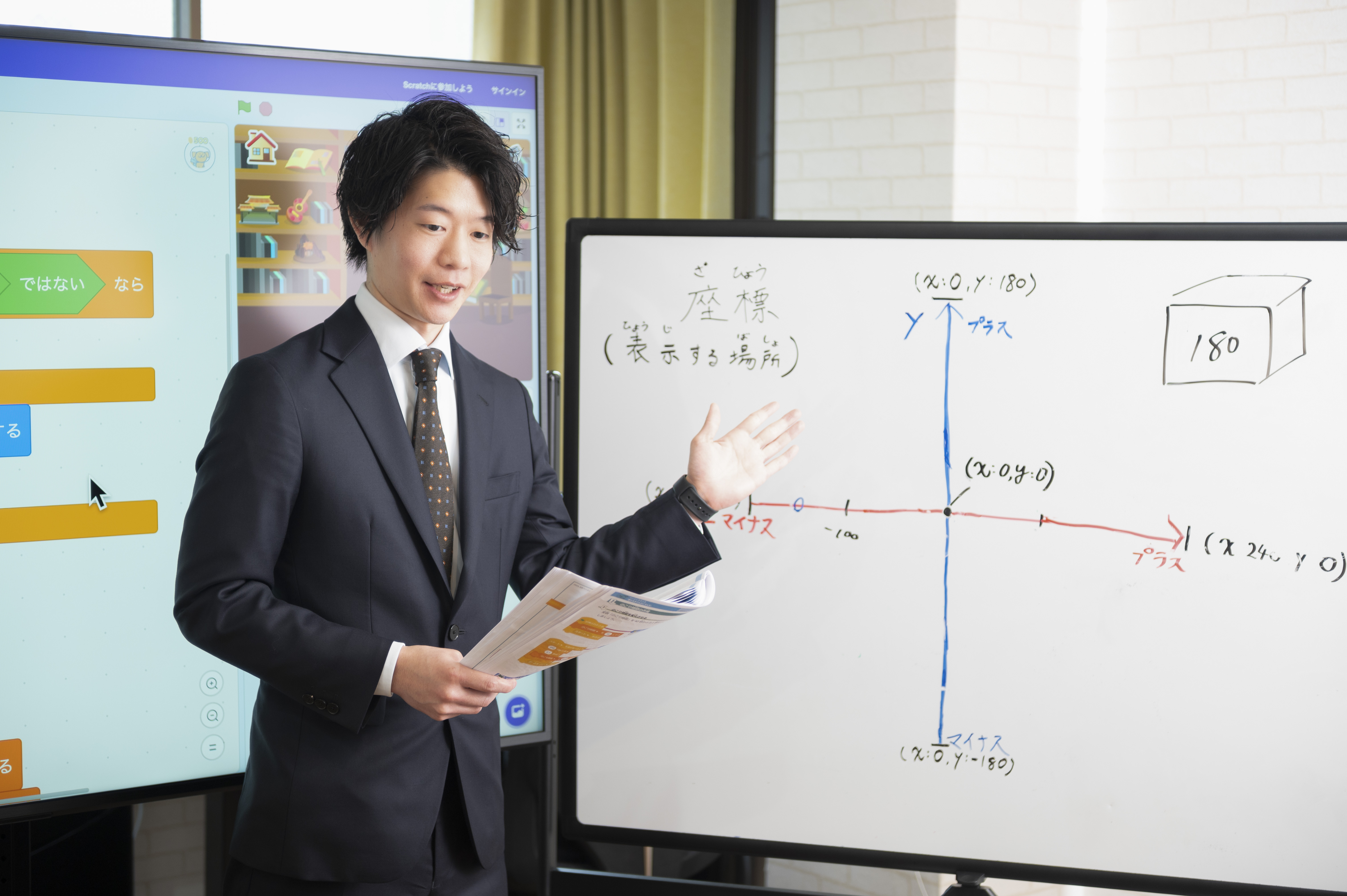 Keigo Nakagawa — Director, Kids Programming Lab Akihabara / CEO, LUXGO Inc.
Before/After: The Numbers
| Area | Before | After | Result |
|---|---|---|---|
| Daily schedule check | 15 min/day | 1 min/day | 87% reduction |
| Weekly schedule coordination | 2–3 hrs/week | 30 min/week (schedule creation only) | 75% reduction |
| Absence reporting | 3 channels: phone, email, in-person | Single in-app flow | Zero missed reports |
| Parent communication | Scattered across individual inboxes | In-app chat, shared across all instructors | Zero missed messages |
| New student onboarding | 30–60 min per family | 5 min — send invitation code | 90% reduction |
| Monthly tool cost | Google Workspace (~$8/mo) + paper | E-Space Basic plan ($19.80/mo) | More functionality, ~$1.80/mo increase |
Adding up the time savings: schedule coordination (2–2.5 hrs saved) + attendance (30 min saved) + parent communication (30 min saved) = approximately 3 hours of admin work eliminated per week.
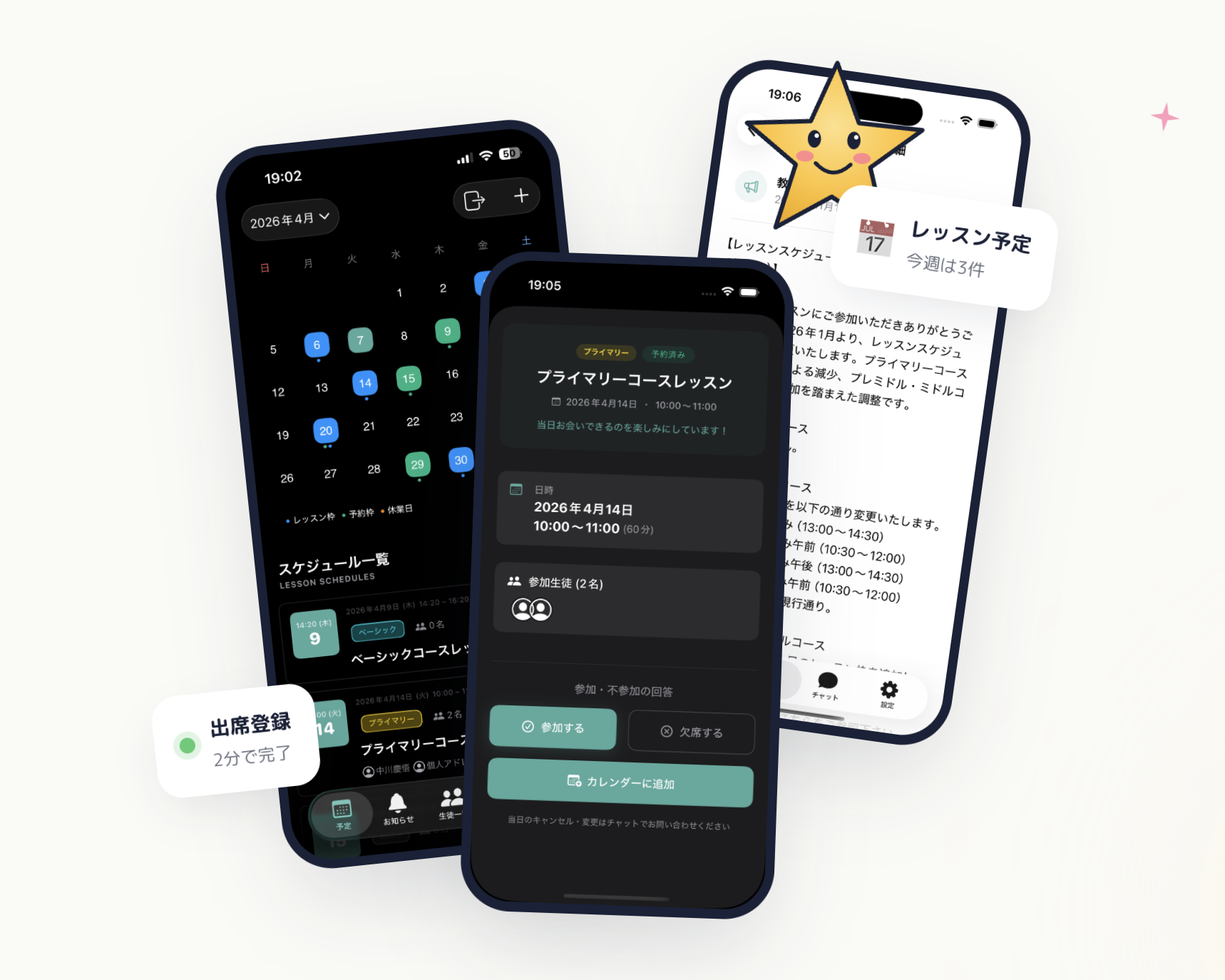 E-Space — calendar, student management, and notifications in a single app
Beyond the numbers, the team reported several qualitative shifts:
- Instructors stopped needing to scroll back through group chats to find out who was coming in on a given day.
- Automatic session reminders reduced no-shows among younger students who relied on their parents to remember the schedule.
- Parents stopped messaging to ask "did you get my absence report?" — because the in-app notification confirmed delivery instantly.
- Makeup class credits no longer required manual tracking in a separate spreadsheet column.
How the School Uses E-Space Day-to-Day
| Frequency | Feature | How it's used |
|---|---|---|
| Daily | Schedule view | Instructors check who's coming in today |
| Each session | Attendance marking | Tap to mark each student present or absent |
| Several times/week | In-app chat | Respond to makeup class requests from parents |
| 1–2 times/week | Schedule change notifications | Push notifications auto-sent when a session changes |
| Monthly | Announcements | Holiday closures, term start dates, fee reminders |
| Each new enrollment | Invitation code | New student and parent join the classroom in one step |
The three most-valued features, as reported by the team: unified schedule management, in-app parent communication, and automatic attendance tracking.
What Students and Parents Said
From students:
"I can check when my next session is in the app, so I don't have to ask my mum." (Year 6 student, age 12)
"It's easier to use than the group chat." (Year 11 student, age 17)
From parents:
"The makeup class request is in the chat history, so I can always check back on what was agreed." (Parent, 40s)
"Getting a notification when a session is confirmed or changed means I don't have to remember to follow up." (Parent, 30s)
Representative feedback collected through operator interviews.
The Business Case in Plain Terms
The sharpest summary of this case study: moving from Google Workspace ($8/mo) to E-Space Basic ($19.80/mo) — a difference of roughly $1.80 per month — unified scheduling, attendance, and parent communication into a single mobile-first app, and saved 3 hours of operational work every week.
That time efficiency calculation looks even more favourable when you factor in what the recovered hours are worth. Three hours a week is time that can go back into lesson planning, student follow-up, marketing for new enrollments, or simply not working evenings to catch up on admin.
The other differentiator that stood out in practice: E-Space is built as native iOS and Android apps, not a mobile browser wrapper. Instructors can complete every operational task — marking attendance, responding to a parent, checking the next day's schedule — without leaving their phone's home screen. That matters in a real tutoring environment, where no one is sitting at a computer between sessions.
Key Takeaways
- 3 hours of weekly admin work eliminated (schedule coordination + attendance + parent communication combined)
- Zero missed parent messages since switching to in-app chat
- New student onboarding reduced from 30–60 minutes to 5 minutes per family
- Total cost: $19.80/month — comparable to a Google Workspace subscription, with significantly more education-specific functionality